Most school emergency systems fail during actual crises. Learn why network independence, battery backup, and simple wearable panic buttons make the difference.
Inside this Article:
- What Does “Infrastructure-First” Actually Mean?
- What Breaks During Real Emergencies?
- What Should You Test Instead of Trusting?
Most school emergency communication systems are designed to work perfectly… until the moment you actually need them.
Think about it. When was the last time you saw a vendor demo that simulated a power outage, network congestion, or a staff member too terrified to remember their phone password?
The systems we rely on to protect students and staff are often tested under ideal conditions that have nothing to do with real emergencies. And that gap between demonstration performance and crisis performance? That’s exactly where lives hang in the balance.
The Reality Check for K-12 Schools
Power goes out. Wi-Fi stops working. Cell networks get overloaded when everyone’s trying to call, text, and check the news simultaneously. People forget their training. Hands shake. Cognitive function shrinks under extreme stress.
These aren’t edge cases. They’re documented patterns from official investigations into Parkland, Uvalde, and other incidents. Communication systems that worked fine during drills failed when conditions degraded.
So why do we keep evaluating emergency infrastructure based on how it performs when everything’s working perfectly?
What Does “Infrastructure-First” Actually Mean?
Infrastructure-first design starts with asking, “What happens when things really go wrong?” The question to answer is not “how fast can alerts be sent,” but “can alerts be sent at all when Wi-Fi is down?” It’s also not “how many channels do you support,” but “do any of those channels work during a power outage?”
Our goal is to remove single points of failure, not just to add more fancy features.
Three Dependencies That Break Under Pressure
Your Wi-Fi Network Isn’t Designed for Emergencies
Most panic button systems depend on your school’s Wi-Fi network. That’s the same network students use to stream videos, staff use for video calls, and security cameras use to upload footage. During an emergency, that network gets slammed. Everyone’s trying to communicate at once. Bandwidth gets saturated. Alerts lag or fail entirely.
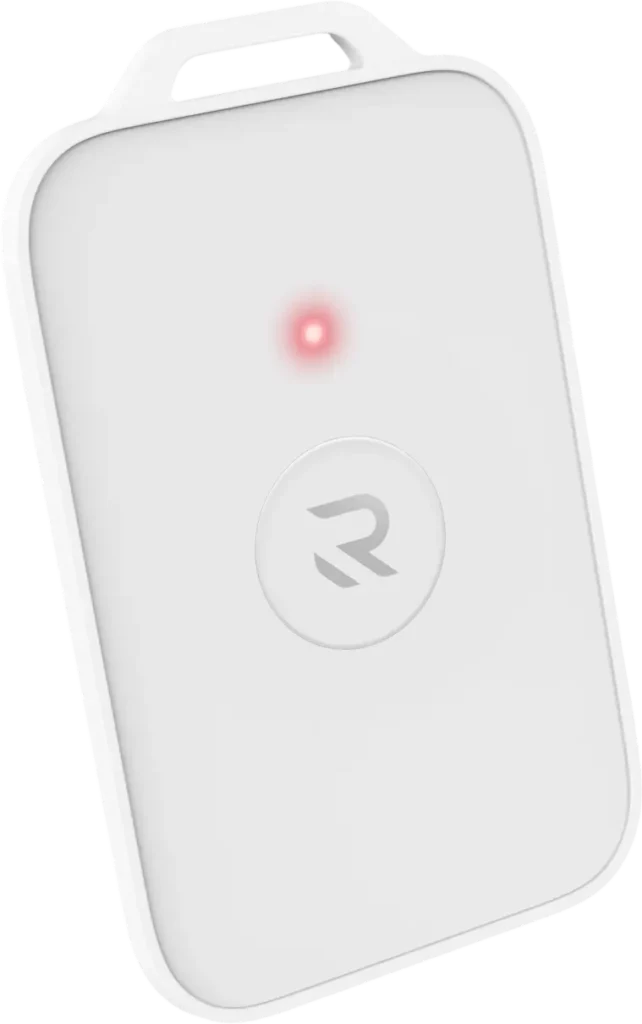
Wearable panic buttons that use dedicated radio networks sidestep this problem completely. Emergency signals travel on a separate pathway that doesn’t compete with routine traffic.
Building Materials Block More Than You Think
Concrete walls, steel beams, energy-efficient windows all create dead zones where cellular and radio signals can’t penetrate. Your basement, interior stairwells, and portable classrooms might not have coverage at all.
If staff can’t activate an alert from those locations, you’ve got gaps in your safety net that won’t show up during a parking lot demonstration.
Power Outages Aren’t Rare
Weather events, equipment failures, deliberate attacks on infrastructure… These kinds of power outages really happen. If your emergency system depends on building electricity without battery backup at every layer, you’re one power failure away from losing communication capability. This includes Wi-Fi access points, network switches, PA systems, and any panic devices that need charging overnight.
Stop Evaluating Features, Start Testing Resilience
Next time a vendor presents their system, ask these questions:
- “Can you show me what happens when we simulate a power outage?”
- “What happens if our Wi-Fi goes down during an emergency?”
- “How many steps does it take to activate an alert when someone’s hands are shaking?”
- “Can you prove which devices were functional at 2 PM last Thursday?”
Better yet, request a pilot program. Test the system in your actual buildings with your actual staff. Run drills. Simulate power loss. See what happens in your basement.
Because the difference between a system that works on paper and a system that works in practice can literally save lives.
The Bottom Line for Any School
Emergency infrastructure should be boring. It should work consistently, require minimal attention, and function reliably when everything else is falling apart.
If your current system requires perfect conditions to succeed, it’s not an emergency system. It’s a fair-weather system. And your students and staff deserve better.
TL;DR: Analyzing Your Emergency Infrastructure
Ask: What Breaks During Real Emergencies?
Three common dependencies fail under pressure:
- Wi-Fi networks get overwhelmed when everyone communicates simultaneously
- Building materials create dead zones where signals can’t penetrate
- Power outages disable systems without battery backup at every layer
Ask: What Should You Test Instead of Trusting?
Stop accepting ideal-condition demos. Request pilot programs that let you:
- Simulate power outages and network failures
- Test coverage in basements and interior rooms
- See how staff respond under realistic pressure
- Verify which devices are actually functional right now
Want the Complete Technical Analysis?
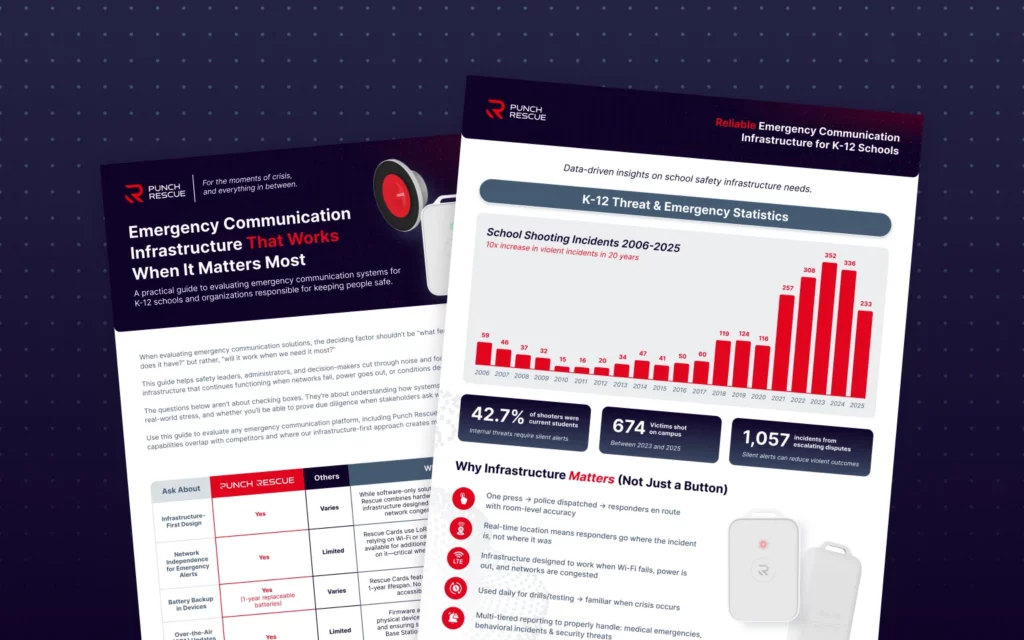
This article covers the basics of resilient emergency infrastructure. For the full deep-dive, download our comprehensive white paper.
Inside you’ll get:
- Analysis of communication failures from official investigations
- Technical breakdown of power, network, and coverage dependencies
- Complete evaluation questions to ask every vendor
- Implementation roadmap including pilot programs and training
- State-by-state Alyssa’s Law compliance overview
Stop trusting vendor promises. Start testing infrastructure resilience.