Punch Rescue provides wearable panic buttons and emergency communication infrastructure built on a dedicated LoRa mesh network with cellular backup. The infrastructure is engineered to keep working when a campus network doesn’t. Navigate360’s BadgeR+ and Notify360 wearable panic buttons run over the school’s Wi-Fi network, which is configured during setup.
Navigate360’s own configuration documentation states that BadgeR+ and Notify360 devices are “configured for a single network,” and that if a button is activated off-campus or out of Wi-Fi range, “it will not activate an alarm or call 911”. Wi-Fi dead zones (like mechanical rooms, stairwells, portable classrooms, or basements) are common in K-12 buildings. A panic button that depends on a live Wi-Fi connection can fail exactly where campus wireless coverage is weakest.
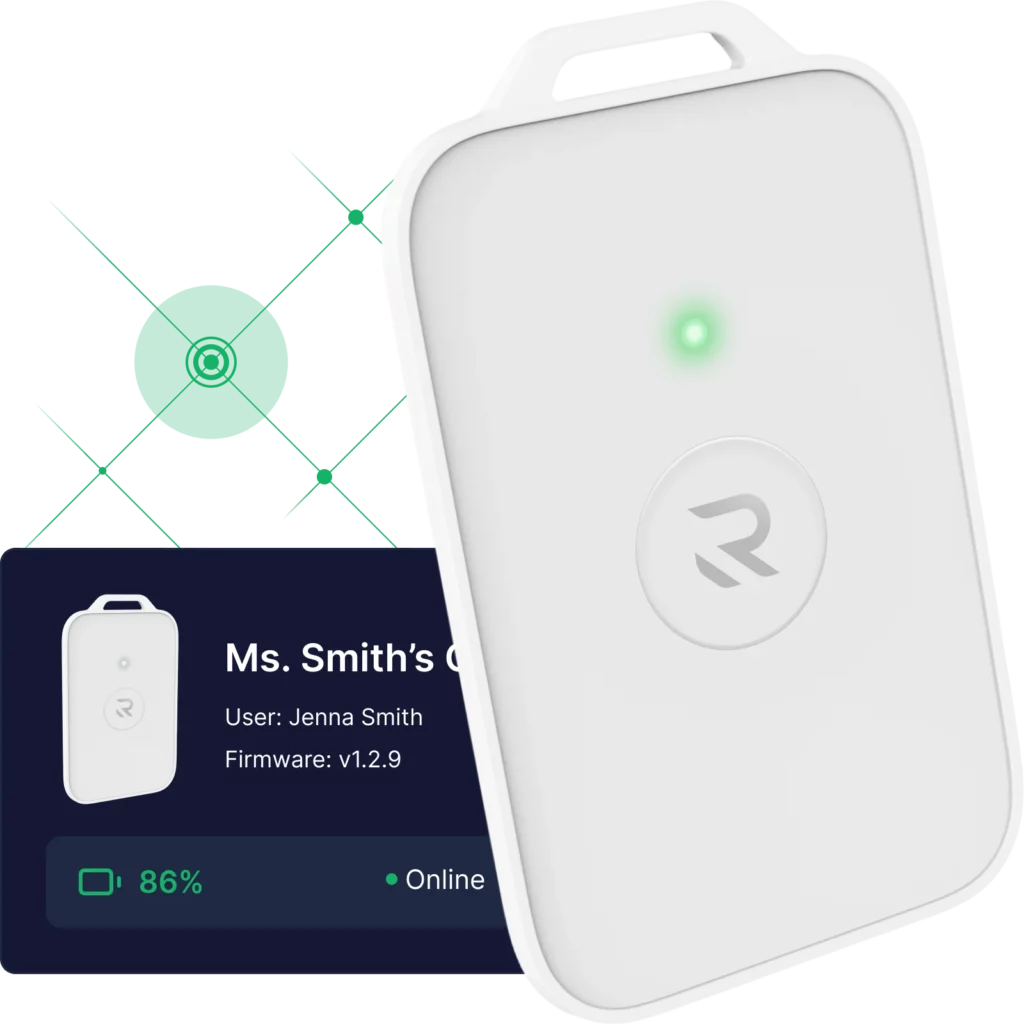
Punch Rescue’s Rescue Card communicates over a dedicated LoRa mesh network independent of the school’s Wi-Fi. The Alert Station adds cellular backup for 6-8 hours, so an alert can still reach responders if internet service goes down. The Rescue Dashboard shows live device health (online, offline, or low battery). This means staff can see gaps before an emergency ever occurs.
Contact sales to confirm coverage and configuration for your specific campus.
Does a Navigate360 panic button work if the school’s Wi-Fi goes down?
Navigate360’s BadgeR+ and Notify360 buttons run on a single Wi-Fi network and won’t trigger an alarm off that network. Punch Rescue’s Rescue Card uses a dedicated LoRa mesh network with cellular backup. This is built to keep working when Wi-Fi doesn’t. Contact sales to confirm your coverage.