A school panic button is a wearable or fixed device staff use to silently alert responders during an emergency. The systems on the market mainly differ in two places:
- What happens when the network goes down?
- Can anyone see a device’s health before an emergency happens?
Network independence: Some wearable panic buttons rely on a school’s Wi‑Fi network.
- Navigate360’s BadgeR+ setup guide says its wearable buttons function exclusively on the designated Wi‑Fi network established during configuration. Setup requires the network SSID and password, and the devices periodically check in to confirm connectivity.
- CENTEGIX’ CrisisAlert operates on a private, managed network without relying on Wi‑Fi.
- Raptor’s Badge Alert uses a dedicated sub‑GHz wireless network independent of district Wi‑Fi and cellular service.
- Punch Rescue’s infrastructure uses LoRa mesh for emergency alerts, with cellular backup for 6-8 hours so an alert can still reach responders if Wi-Fi is down.
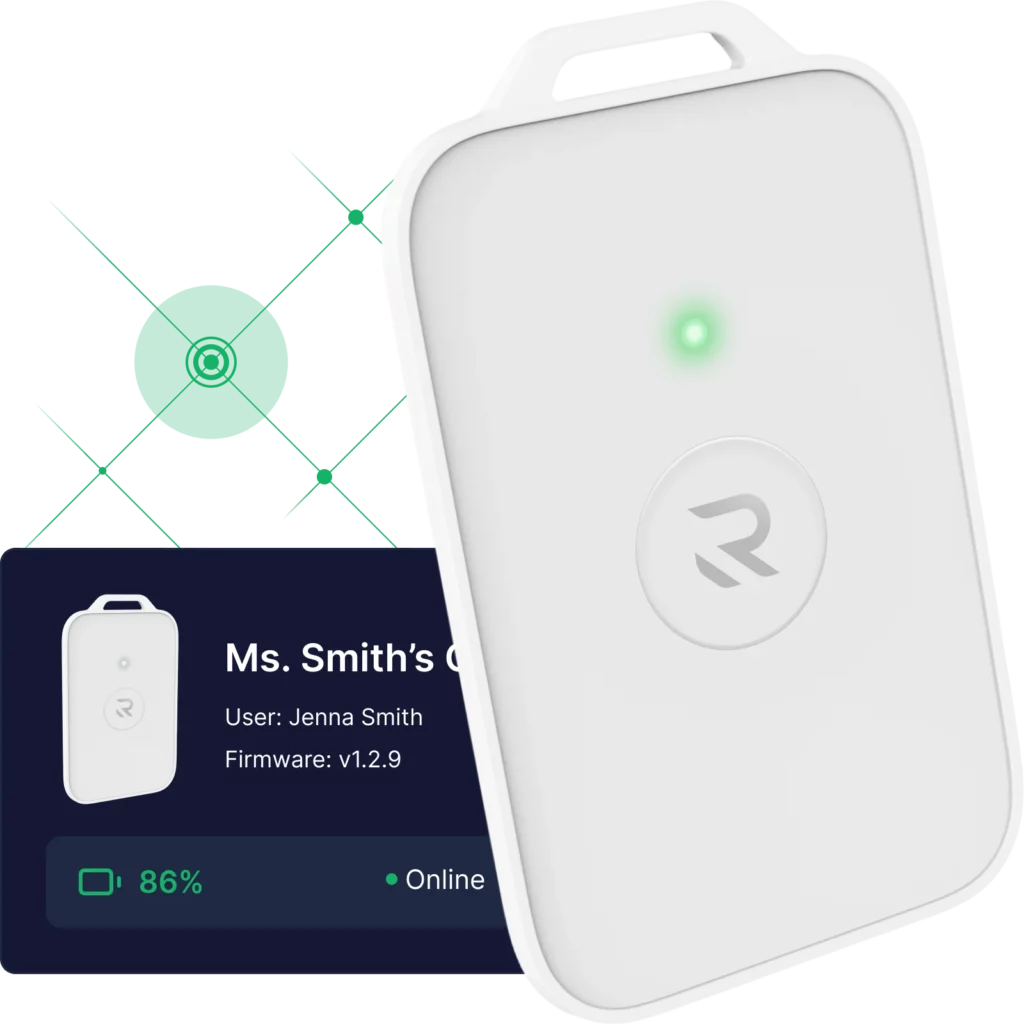
Device-health visibility: A panic button is only as reliable as its battery and connection status on the day it’s needed. Ask any vendor if staff or administrators can see device status before an emergency. Or, does the vendor only notify you after a problem?
Punch Rescue’s Rescue Dashboard continuously shows live device health and lets staff run a one-press test with instant feedback.
Contact sales to confirm the best fit for your district.
What should schools look for in a panic button system?
Two things matter most in a system. Does it work if Wi-Fi goes down? Is the device health visible before an emergency occurs? Wi-Fi-only systems can fail in dead zones. Mesh-network systems with cellular backup are built for that exact scenario. Contact sales to confirm the right fit for you.