Free Pilot: Punch Rescue + Lightspeed Notify | May 5, 1PM EST | Register for Webinar
March 12, 2026

Testing Without Triggering an Emergency

In This Article:

Emergency systems should be easy to test.

Staff should know what it feels like to activate a device, see the system respond, and understand what will happen during a real emergency. But, testing those actions shouldn’t create confusion or send unnecessary alerts.

That’s why the Rescue Network includes Test Mode.

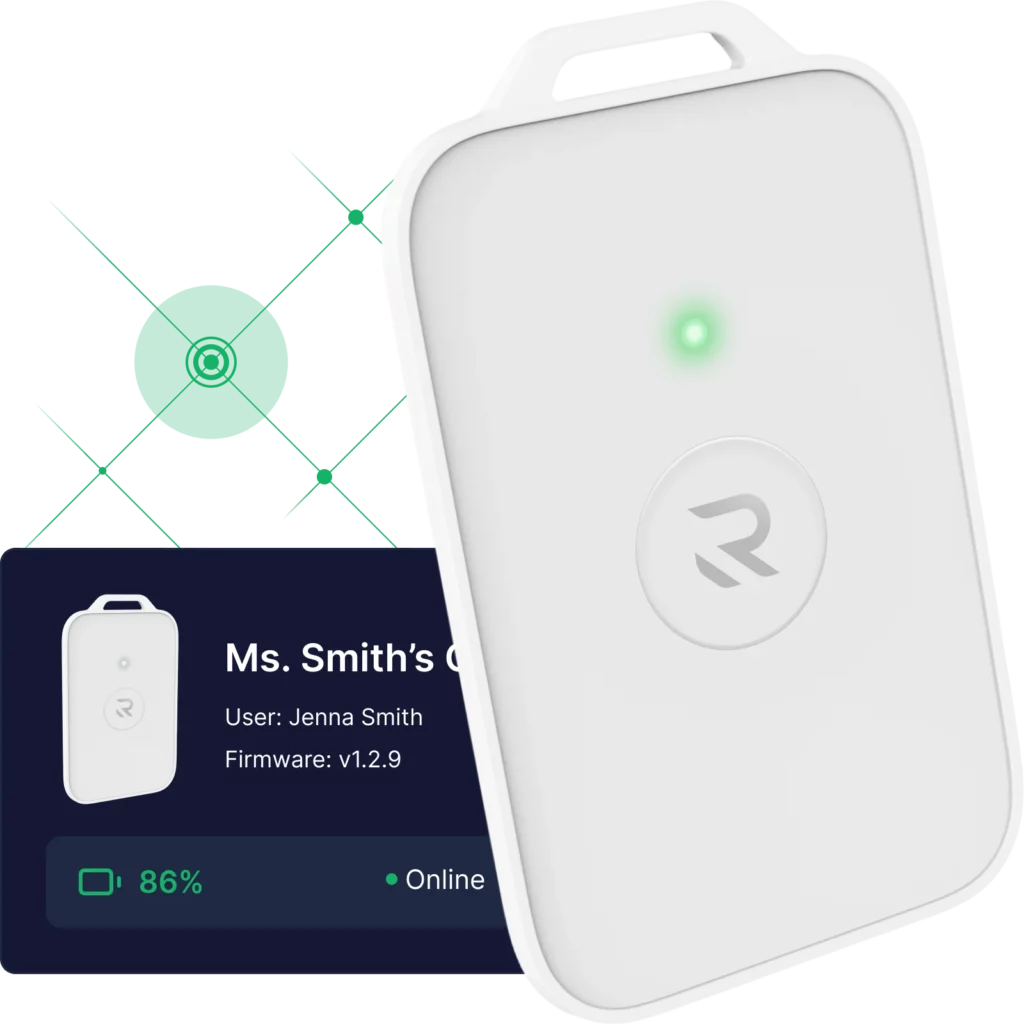
Test Mode allows facilities to temporarily place the system into a controlled environment where staff can practice using their Rescue Cards and experience how the network responds, without triggering an actual emergency or sending notifications to responders.

Previously, Test Mode could only be activated from the base station. Now it can be controlled remotely through the dashboard, making it much easier to run drills and system checks.

Administrators can:

  • Activate Test Mode across the entire system or selected areas
  • Enable a simple two-minute countdown window for testing
  • Allow staff to try different card actions, including triple press and long press
  • Experience how repeaters and base stations respond with lights and alerts

During Test Mode, the system behaves normally from a hardware perspective — lights, sounds, and responses all occur — but no real emergency is created, and no emergency notifications are sent.

This allows teams to practice safely and confidently.

Testing matters because familiarity matters. When staff understand how the system works and have experienced it firsthand, they can act more confidently when it matters.

We believe emergency infrastructure should work perfectly during a crisis and be easily tested for preparedness.

Panic buttons with reliable emergency infrastructure.
Related Articles
Symbols of wifi connectivity and ongoing cell network service
Safety Technology

Network Independence: What It Means for School Emergency Systems

Network independence means emergency systems work when Wi-Fi and cellular fail. Learn why it matters for school panic buttons and wearable emergency buttons. If you...

Safety Technology

Over-the-Air Updates

Most emergency devices stay the same forever. If something needs to be fixed or improved, the device has to be physically replaced or sent back....

K-12 students using smart phone apps on their cell phones
Safety Technology, School Safety

Why Wearable Panic Buttons Outperform Smartphone Apps in School Emergencies

Wearable panic buttons outperform smartphone apps in school emergencies. Learn why dedicated hardware beats app-based systems when conditions are degraded....
How We Started

In 2017, a young lifeguard at a YMCA of Charlotte branch suffered a seizure while opening the pool alone. She fell into the water and drowned before anyone knew she needed help.

We heard the full story later that year at a conference in Seattle. Our emergency communication platform, PunchAlert, was already deployed at that YMCA, but it couldn’t help. She couldn’t unlock a phone, open an app, or call for assistance.

That tragedy exposed the fundamental constraint: when people need help most, they often can’t use the tools we’ve given them. We spent two days in Seattle with aquatics directors and risk managers, determined to solve what software alone couldn’t. The answer wasn’t another app, it was infrastructure designed for the worst-case scenarios.

Punch Rescue was born from that commitment: wearable devices that work when nothing else can, connected to infrastructure that doesn’t rely on the person in crisis to operate it. From aquatics to K-12 schools and beyond, we’ve remained focused on one principle: protecting the people who matter most, especially when they can’t protect themselves.