Free Pilot: Punch Rescue + Lightspeed Notify | May 5, 1PM EST | Register for Webinar
December 5, 2025

Visual Confirmation That Calms, Not Confuses

In This Article:

When staff members press a panic button, the last thing they should feel is uncertainty. Unfortunately, that’s the experience many organizations face today. Too often, users aren’t sure whether their alert actually went through, leading to repeated button presses, elevated panic levels, and sometimes even false alarms.

With Rescue, visual confirmation is built in, and here’s how:

Color Confirmation After Success

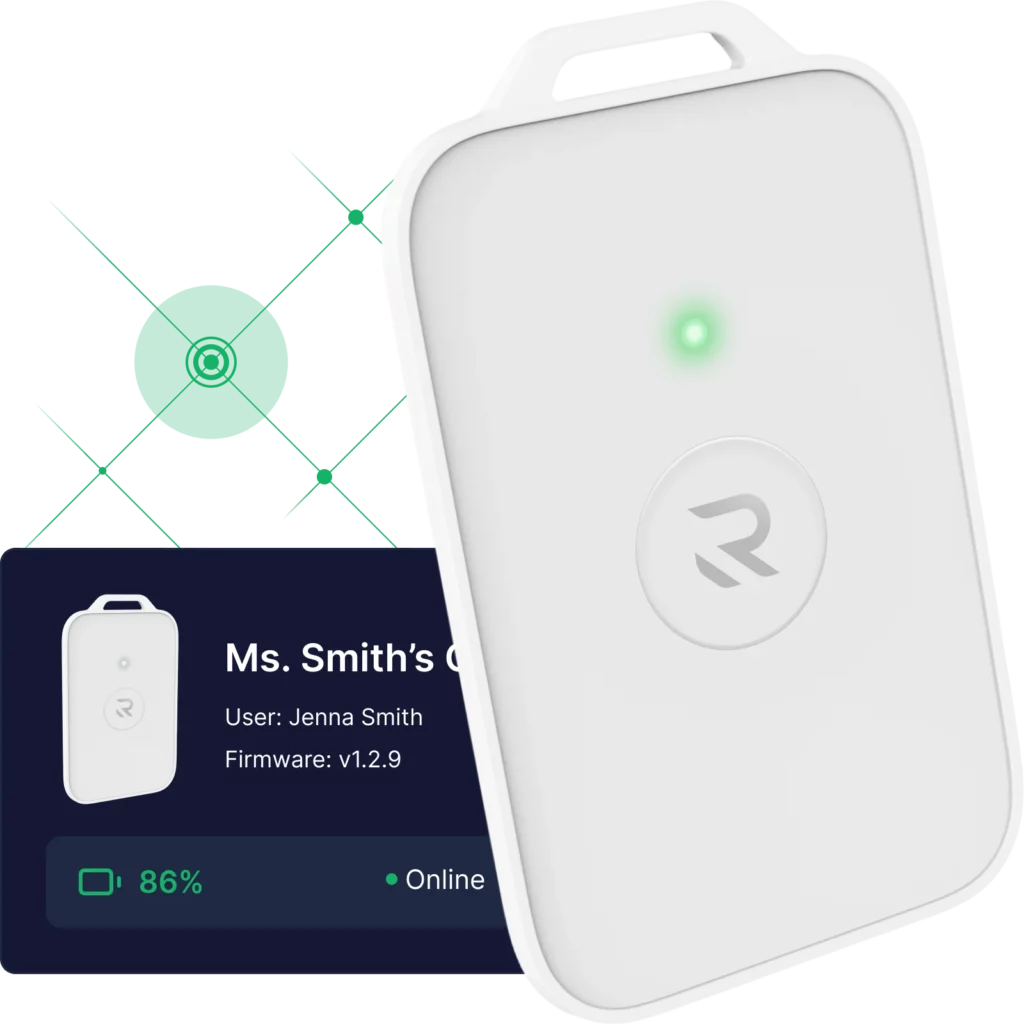
Unlike other systems that flash a color the moment a button is pressed (whether the signal went through or not), Rescue waits until the signal is successfully received and confirmed. Only then does the card light up with the appropriate color. That means staff can trust what they’re seeing and know their alert worked.

Clear, Customizable Light Feedback

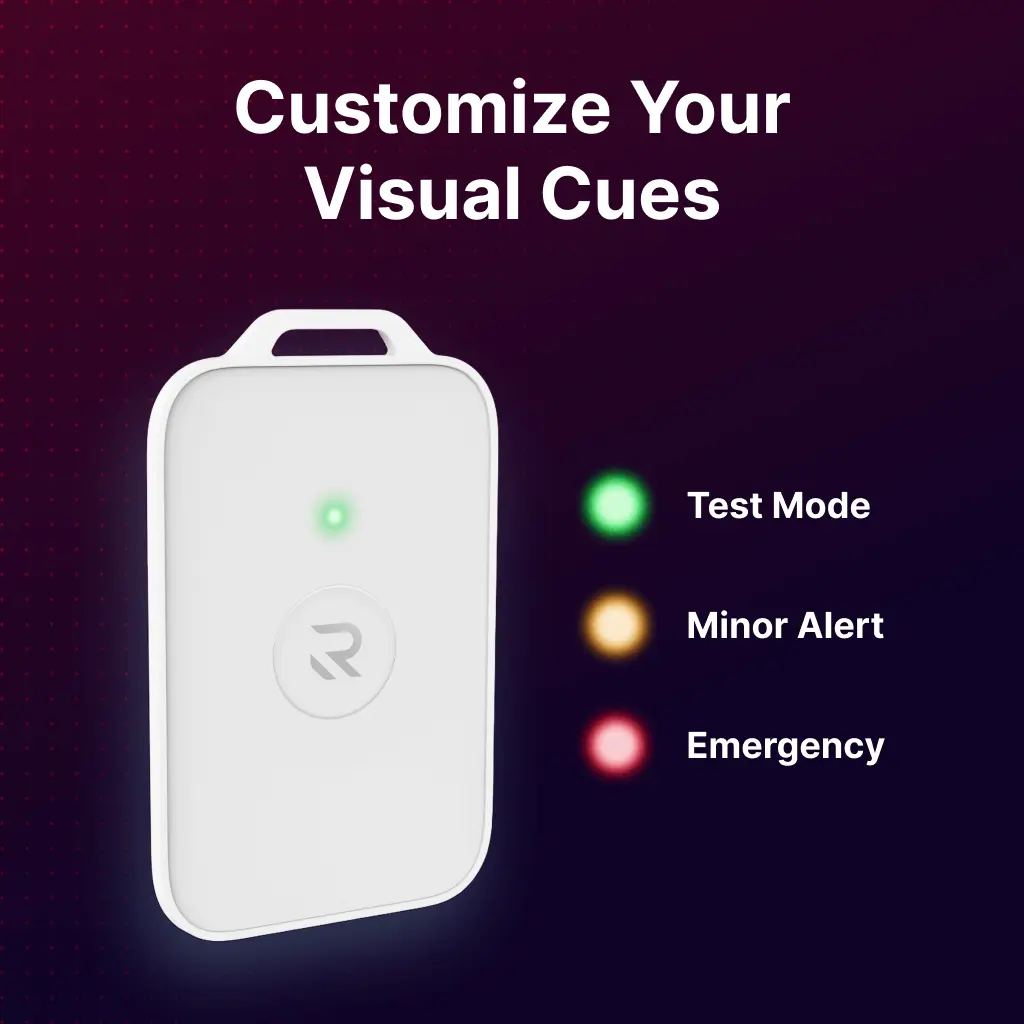
A green light confirms a successful test. Yellow indicates a lower-level emergency. Red signals a Level 2, serious emergency. These color settings are fully customizable, allowing organizations to match the visual cues to their internal protocols.

With traditional systems, staff might press the button three or four times just to feel confident it worked. But multiple presses can sometimes escalate an alert unintentionally. Rescue’s design eliminates that confusion, so your team can act quickly and calmly, with confidence that the system is working exactly as intended.

This feature is just one example of how Rescue prioritizes reliability, clarity, and user trust in every emergency, large or small.
Panic buttons with reliable emergency infrastructure.
Related Articles
Symbols of wifi connectivity and ongoing cell network service
Safety Technology

Network Independence: What It Means for School Emergency Systems

Network independence means emergency systems work when Wi-Fi and cellular fail. Learn why it matters for school panic buttons and wearable emergency buttons. If you...

Safety Technology

Over-the-Air Updates

Most emergency devices stay the same forever. If something needs to be fixed or improved, the device has to be physically replaced or sent back....

K-12 students using smart phone apps on their cell phones
Safety Technology, School Safety

Why Wearable Panic Buttons Outperform Smartphone Apps in School Emergencies

Wearable panic buttons outperform smartphone apps in school emergencies. Learn why dedicated hardware beats app-based systems when conditions are degraded....
How We Started

In 2017, a young lifeguard at a YMCA of Charlotte branch suffered a seizure while opening the pool alone. She fell into the water and drowned before anyone knew she needed help.

We heard the full story later that year at a conference in Seattle. Our emergency communication platform, PunchAlert, was already deployed at that YMCA, but it couldn’t help. She couldn’t unlock a phone, open an app, or call for assistance.

That tragedy exposed the fundamental constraint: when people need help most, they often can’t use the tools we’ve given them. We spent two days in Seattle with aquatics directors and risk managers, determined to solve what software alone couldn’t. The answer wasn’t another app, it was infrastructure designed for the worst-case scenarios.

Punch Rescue was born from that commitment: wearable devices that work when nothing else can, connected to infrastructure that doesn’t rely on the person in crisis to operate it. From aquatics to K-12 schools and beyond, we’ve remained focused on one principle: protecting the people who matter most, especially when they can’t protect themselves.